 4.8/5
4.8/5







AIR TAG TRAILER FACILITY
Welcome and thank you for purchasing our AirTag trailer!
We want to make using your new keychain as pleasant and easy as possible. Please follow these streamlined steps to set up your keychain quickly and securely:
Co-founder Marvin explains in 32 seconds.
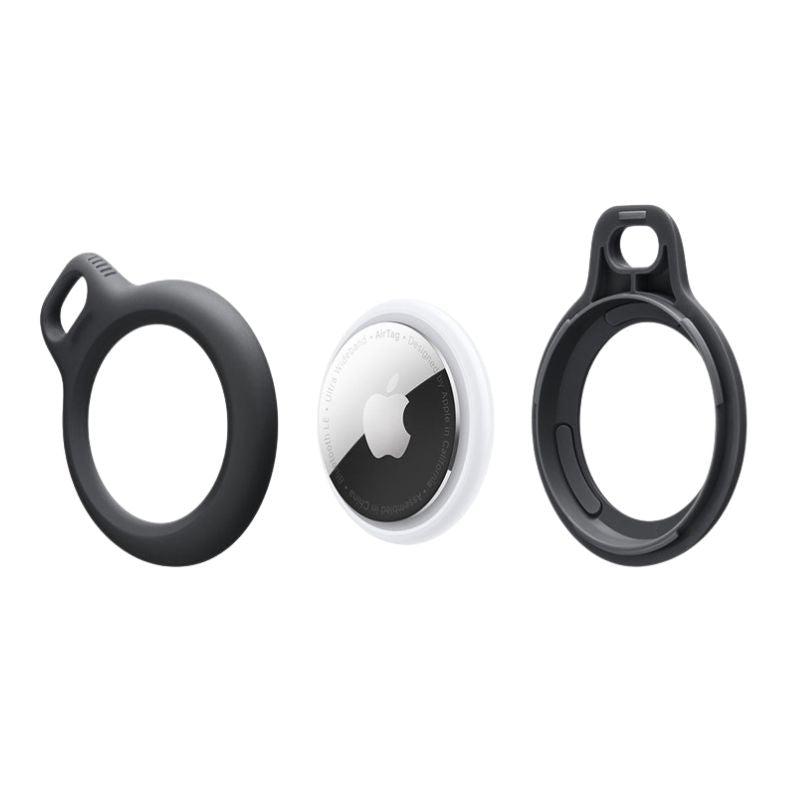
Step 1
Opening the trailer
To insert your AirTag into the key fob, open it by twisting it until it separates into two parts.
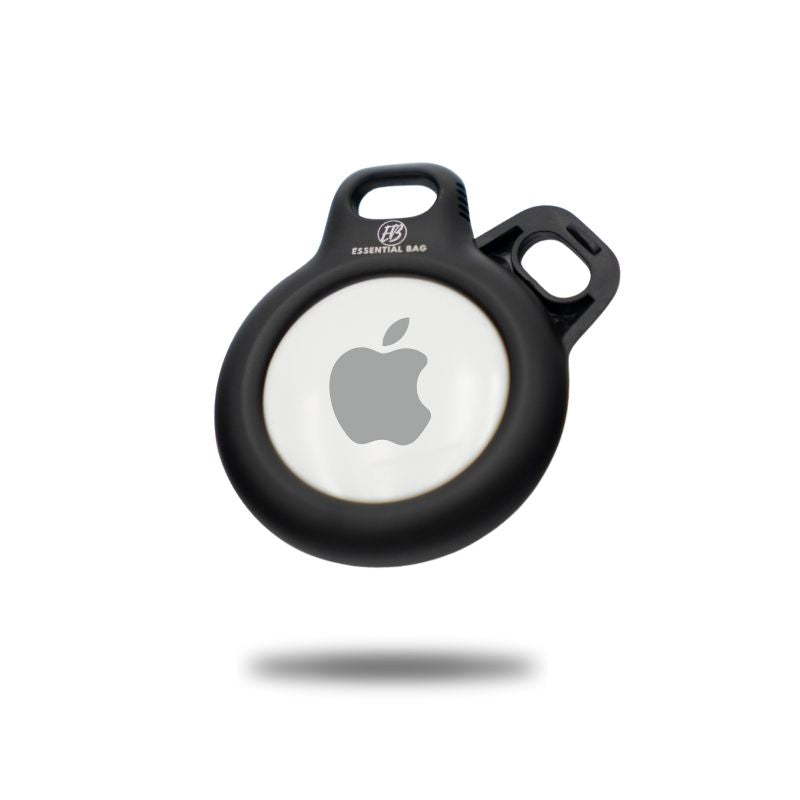
Step 2
Inserting the AIRTAG and close
Now all you have to do is place your AirTag in the holder and then twist the key fob back together.
Enjoy your new keychain! We welcome your feedback and are happy to assist you if needed.
GET THE MOST OUT
2 TIPS and TRICKS
Additional tips for using your key fob
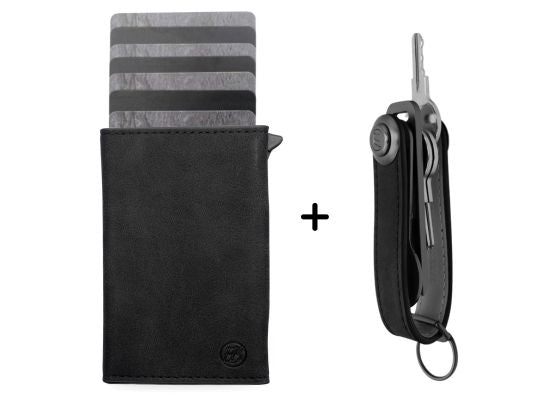
1. Use: Use the AirTag key fob with both our Key case as well as in the coin compartment of our Smart Wallet 3.0, to keep your keys and valuables in sight at all times.
2. Secure placement: Make sure the AirTag is securely in the holder to prevent it from falling out.

nEED MORE SUPPORT?
Our FAQ
For quick answers, visit our FAQ page.
Contact us
We are happy to answer any direct questions you may have about the product. Please don't hesitate to contact us directly.
Send us an email to: support@essentialbag.de
We are happy to help!